Made for Visual Novel Readers

Visual Novel Translator for PC
Read Japanese VNs in Your Language While You Play

Lexa uses real-time OCR to read visual novel dialogue directly from your screen and translate it while you play on Windows. No patches, text hooks, or game file changes required.

Real-time VN OCR
No patches or hooks
Windows 10/11
The Problem

Playing Untranslated Visual Novels Shouldn't Be This Hard

Thousands of Japanese visual novels never get official English translations. You either wait years for a patch or never get to read them at all.

No Official Translation

Most Japanese visual novels never get an English release. You end up waiting for fan projects that take years or just never come out.

Fan Patches Are Not Always Available

Translation patches can be excellent, but they often depend on a specific VN version, may take years to release, or may not cover every route and side story.

Copy-Pasting Kills the Story

Manually copying dialogue line by line to a translator destroys the reading flow. In a story-driven VN with thousands of lines, you lose all immersion.

VN-Specific Challenges

Why Visual Novels Are Harder to Translate

Visual novels are not like other games. They are long, text-heavy and built around continuous reading, which makes traditional translation tools break down fast.

Dialogue-Heavy Text

A single visual novel can have thousands of dialogue lines across 20 to 50 hours of reading. Copy-pasting into a translator just doesn't work at that scale.

Reading Flow & Immersion

Translation needs to keep up with your reading pace without breaking immersion. Lexa shows the translated text in real time as new dialogue appears, so you never lose your place in the story.

For a full comparison of translation methods including text hookers and fan patches, see our guide to translating game text .

VN OCR Translator

What Is a Visual Novel Translator?

A visual novel translator helps you read VN dialogue in another language while the game is running. Instead of editing game files or waiting for a fan patch, Lexa captures the text visible on your screen, recognizes it with OCR, and shows the translated result as you play.

This screen translation workflow is especially useful for Japanese visual novels with dialogue boxes, choices, menu text, and other readable UI elements. Lexa works as a VN OCR translator for readers who want a simpler way to translate visual novels on Windows.

Visual Novel OCR

Lexa captures readable text from VN dialogue boxes on your screen and recognizes it with OCR.

Screen Translation

The translated dialogue appears while the game is running, so you can keep reading without copy-pasting each line.

No Game File Changes

Use Lexa without editing scripts, installing patches, or changing the VN executable.

Choose Your Workflow

VN OCR vs Fan Patches vs Text Hooking Tools

Fan patches and text hookers can be great when they are available and compatible. Lexa is useful when you want a simpler screen-based workflow or when a VN does not work well with hooks.

Fan Patches

Great when a polished patch exists for your exact release, but availability and version support can be limited.

  • Best when a complete patch exists for your exact VN release
  • Can offer the most native reading experience
  • May depend on game version or storefront build
  • Not available for many Japanese visual novels
Text Hooking Tools

Tools like Textractor can be powerful for compatible games, but they may require setup, hook codes, and per-game troubleshooting.

  • Best when your VN hooks cleanly and you are comfortable configuring tools
  • Can capture raw text from supported games
  • May need game-specific configuration
  • Compatibility varies by engine and title

OCR Screen Translation with Lexa

Useful when you want a simpler screen-based workflow or when patches and hooks are not practical.

  • Best when you want screen translation without patches or hooks
  • Reads visible VN dialogue from the screen
  • No patches, hooks, or game file changes
  • Works with games that display readable text on screen

Need the broader method breakdown? Read how to translate game text with patches, hooks, and OCR screen translation for games.

How It Works

From Launch to Your First Translated Line

Three steps from opening your VN to reading dialogue in your language. No complex setup or game-specific configuration.

1

Open Your Visual Novel on Windows

Launch the Japanese VN you want to read. Lexa is designed to run alongside your game without hooks or game file modification.

2

Select the VN Dialogue Box

Choose the area where dialogue appears. Lexa reads the screen text with OCR and watches for new visual novel dialogue.

3

Read the Translated Dialogue in Real Time

The translated result appears as you play. Keep clicking through dialogue, choices, and story scenes while Lexa updates the real-time translation.

What You Can Read

Translate More Visual Novels Without Patches

From popular Japanese VNs to obscure doujin titles, Lexa helps translate games that display readable text on screen.

Japanese Visual Novels

Translate Japanese visual novel dialogue with OCR while you read long routes, choices, and story scenes on Windows.

Indie and Doujin VNs

Read indie and doujin visual novels from small developers when an official translation or fan patch is not available.

Classic and Emulated VNs

Use screen translation for retro visual novels on emulators, from PC-98 classics to PSP and PS Vita titles with readable text.

Games Without Official Translation

Translate visual novels without patches when there is no official localization or compatible community translation for your version.

Lexa's OCR engine works beyond visual novels too. see the OCR translator for PC .

Why Lexa

Why VN Readers Choose Lexa For Screen Translation

Built for how VN readers actually play: long sessions, deep stories and nonstop dialogue.

Skip the Patch Search

No more searching for compatible patches or matching game versions. Lexa translates readable on-screen VN text without extra downloads or file changes.

Works Across Many VN Engines

KiriKiri, Ren'Py, Unity, TyranoScript, RPG Maker, and more can display readable text that Lexa reads from the screen.

Your Save Data Stays Safe

Visual novels have long save histories across multiple routes. Lexa does not modify your game files, so saves, config, and CG galleries stay as they are.

Follows Your Reading Pace

Lexa detects when new dialogue appears in the text box and updates the translation only then. No flickering, no unnecessary refreshes between lines.

Get Started

Start Reading in Under a Minute

From download to your first translated dialogue line. No configuration files, no per-game setup.

Step 1

Open Your Visual Novel on Windows

Open the VN you want to read on Windows. Steam, emulator, or standalone, Lexa is designed to run alongside games that display readable text on screen.

Step 2

Select the VN Dialogue Box

Open Lexa, select your VN window, and set the source language, such as Japanese. Activate Realtime mode to start capturing screen text from the dialogue box.

Step 3

Read the Translated Dialogue in Real Time

Click through Japanese VN dialogue, make choices, and follow the story. Lexa updates the real-time translation each time new text appears in the text box.

See It in Action

Two Powerful Translation Modes

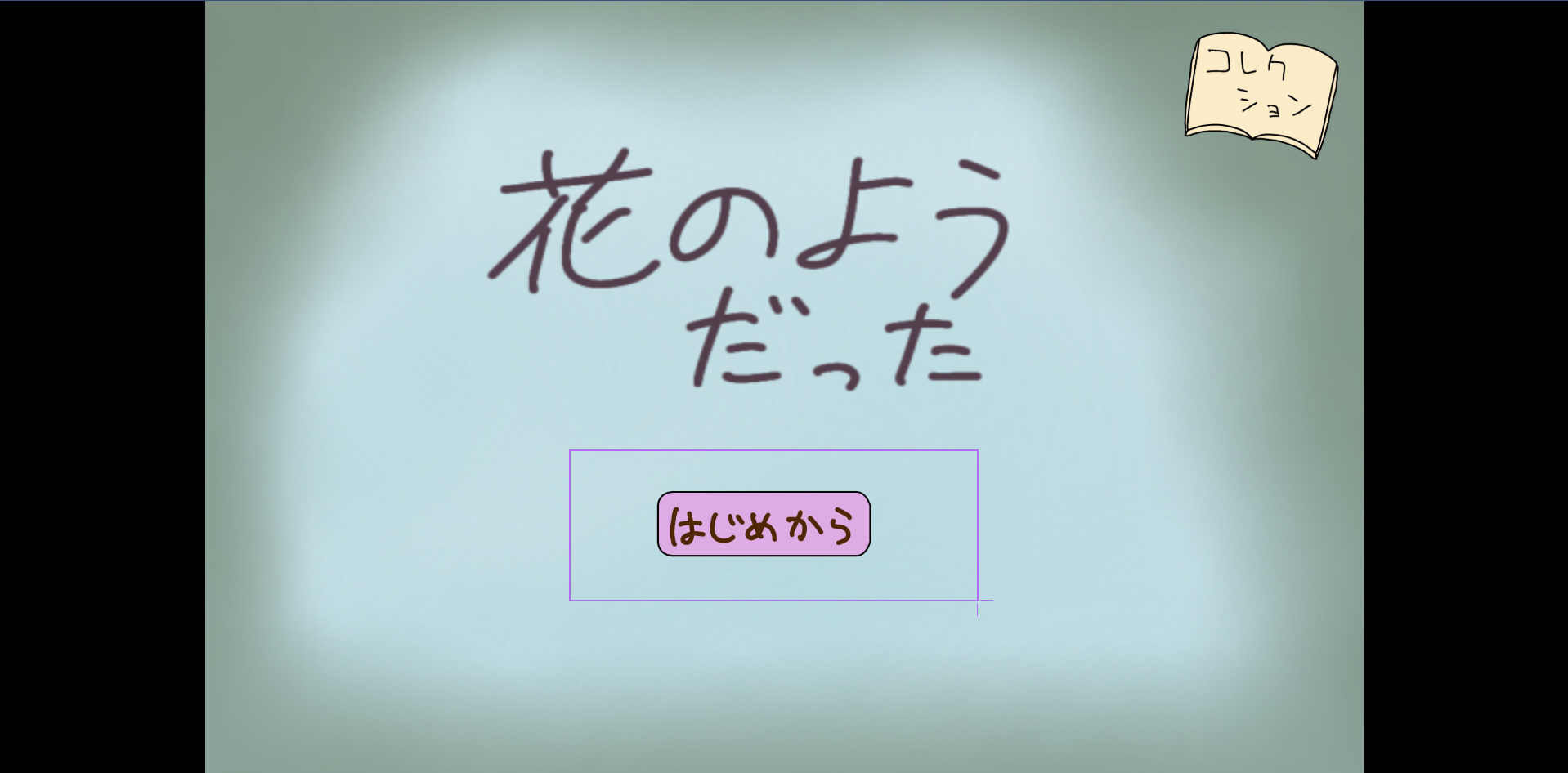
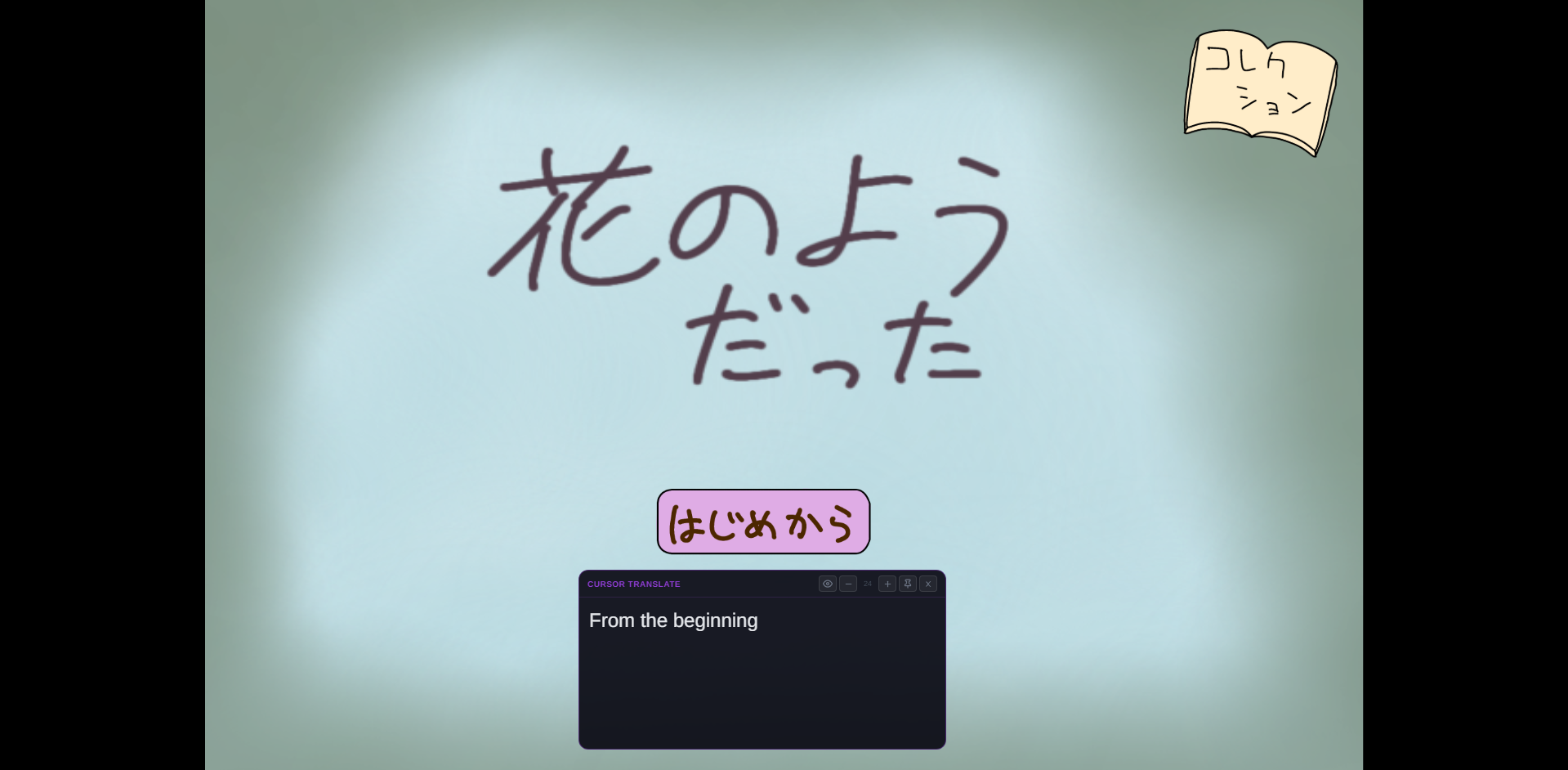
Choose between real-time continuous translation or precise cursor-based selection.

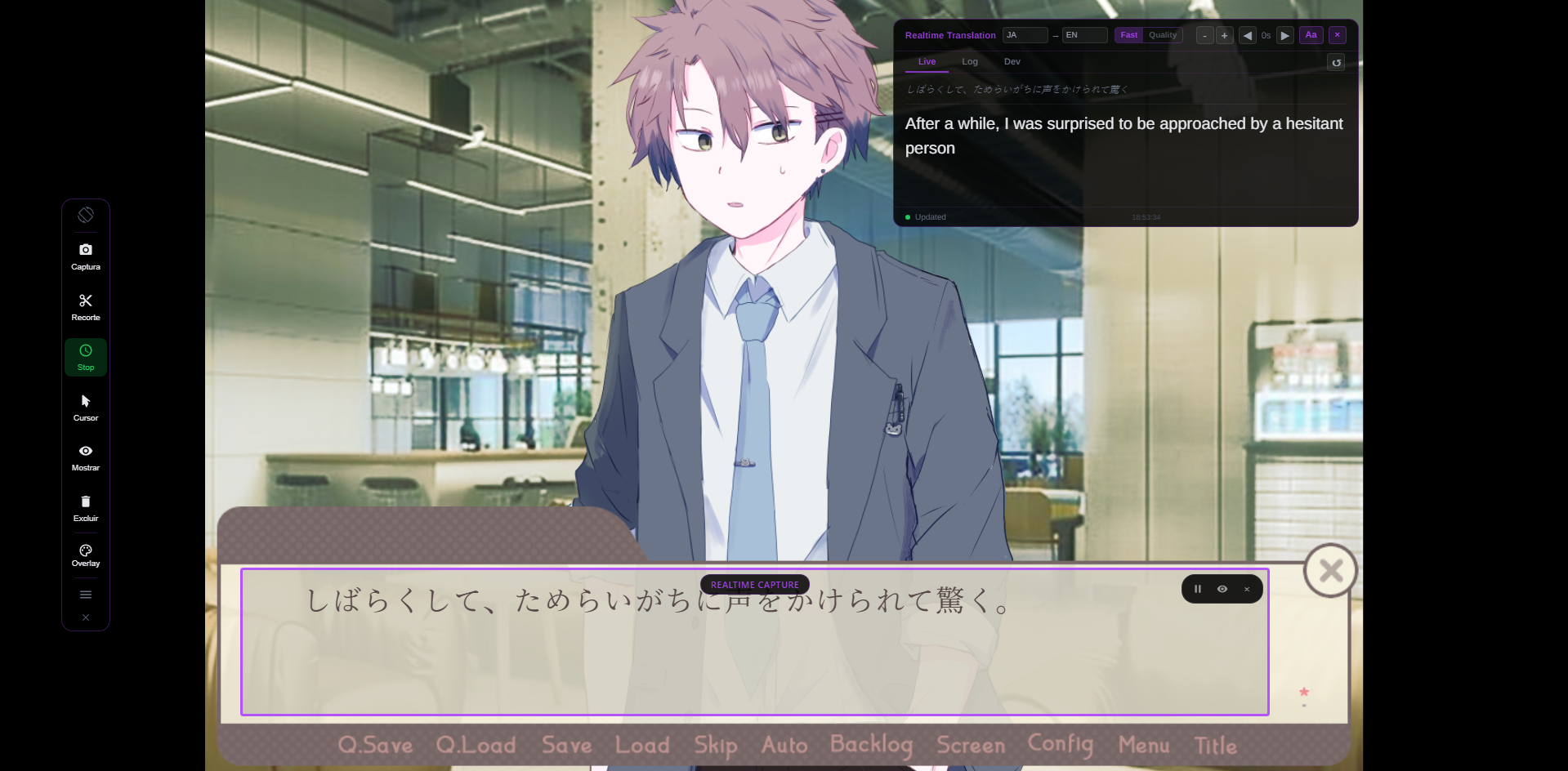
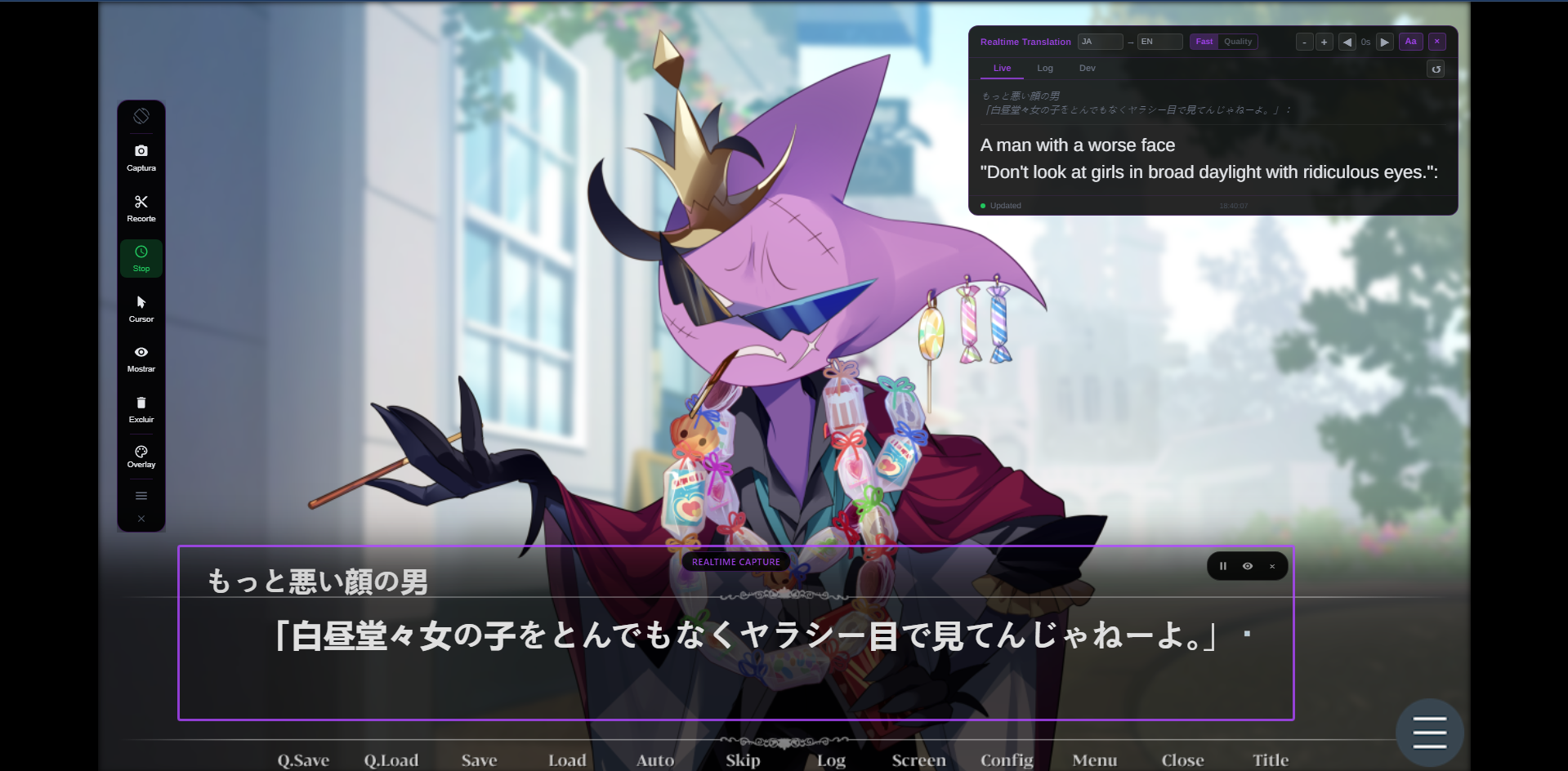
Continuous real-time translation as you play
Lexa Translator performing real-time OCR translation on a Japanese visual novel
Real-time OCR translation
Lexa Translator translating Japanese game dialogue to English without patches
Translating game dialogue instantly
FAQ

Frequently Asked Questions

Common questions about using Lexa to translate visual novels

Yes. Lexa translates visual novels with OCR screen translation, so you can read VN dialogue without installing a fan patch or changing game files.
Yes. Lexa is a VN OCR translator for Windows. It reads visible text from the screen, recognizes dialogue with OCR, and shows the translated result while you play.
Yes, Lexa can be used as an alternative when you prefer OCR-based screen translation or when a visual novel is difficult to hook. Text hookers can still be useful for compatible games, but Lexa does not require hook codes or game-specific setup.
Yes. Lexa supports Japanese visual novels, along with Chinese and Korean screen text. OCR accuracy depends on readable text, font clarity, and the selected screen area.
Yes. Lexa is a Windows desktop app designed for Windows 10 and Windows 11.
No. Lexa runs alongside your visual novel and reads text from the screen. It does not patch, hook, edit, or modify your game files.
Yes, Lexa can translate many fullscreen visual novels when the dialogue text is readable on screen. Borderless windowed mode may be easier to capture on some setups.
Yes. Lexa can translate visible screen text such as dialogue boxes, menu options, choices, launcher text, and other VN UI when the text is readable.

Start Reading Japanese Visual Novels Today

Download Lexa and follow VN dialogue in your language as you play. Pro and Ultra add more monthly cloud allowance for longer reading sessions.

Works across many VN engines
Japanese, Chinese, and Korean
No patches or mods needed
Free to try