Official localization or a fan translation patch
Best when one exists for your game and version.
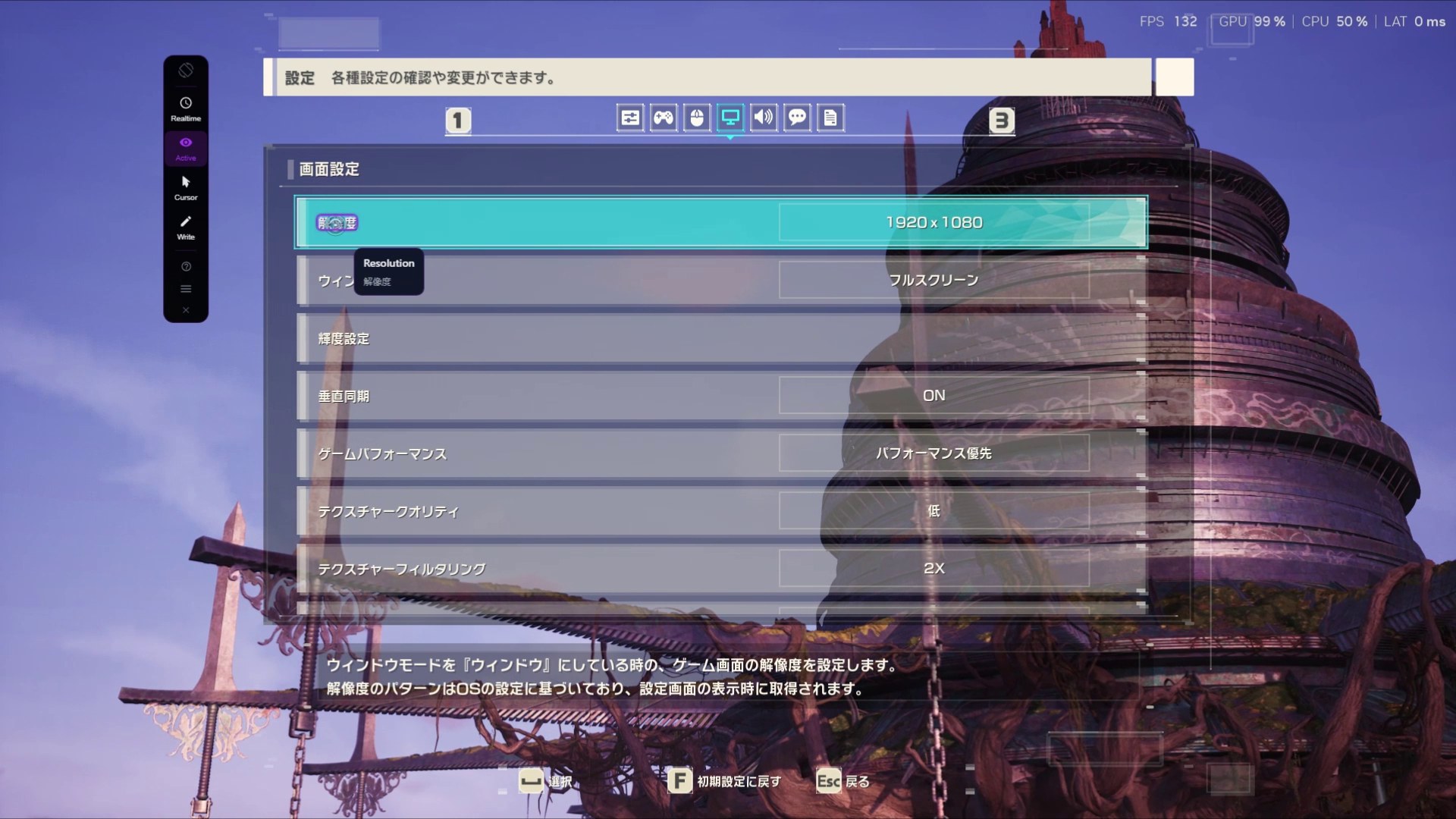
Before anything else, check whether the game already speaks your language. Look in its language or text settings and on its store page’s language list: some games ship more languages than their trailer suggests. If not, fan translators may have released a patch that replaces the original text with a translated version, often with menus, items and tutorials included.
How to start
- Search for the game’s name with “translation patch” or “English patch”. For visual novels, VNDB lists translated releases.
- Check which game version and store edition the patch was made for. An update can stop it from working.
- Back up your save files and follow the patch’s own instructions, usually copying files or running a patcher.
Watch for: patches only exist for some games, may be unfinished, and change game files. Only download them from the translation group or a trusted community. If you’d rather leave the files alone, see reading visual novels without a patch.